|
|
|
|

|
Step 1 :-
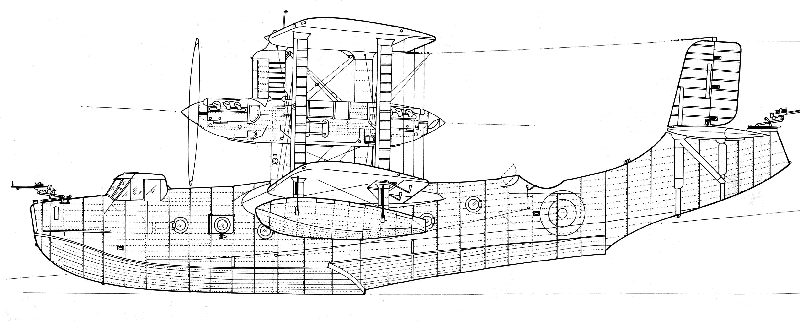
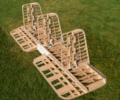
The builder of the 1/8 scale Short Singapore Mr.Alastair
Rivers gave us DXF files of the parts to be cut.
Mr. Clive Henderson's had drawn the plans and laid the parts out in his
TurboCAD draughting package.
As we come from a draughting background, we run the latest versions
of AutoCAD, Rhino and are currently running CoralDRAW X3 and
an
old licence of Solidworks. Thus we can handle and convert a
lot of vector-based files.
Generally files are suppled in one of
the industrially recognised vector based formats.
Such
as DXF, DWG, HPGL etc.
If you are running a CAD package that does not use the above please
discuss this with us so we can get the best method of transferring your
data.
|
|
|
|
|
|
|
|
Step
2 :-
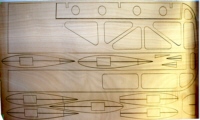
We then load the files into a drawing program (such as AutoCAD) to
check we can read them and no glitches have occurred in the data
conversion.
We have a look at the files for possible problems and then export the
files to the laser.
|
|
|
|
|
|
|
|
Step
3 :-
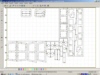
The files then have their cutting speeds and powers applied to them
before the start button is pressed. For this material
the speed was set at 30, the main power set at 80% and the
cornering power set at 50%. This resulted in a 0.22mm cut width.
|
|
|
|
|
|
|
|
Step
4 :-
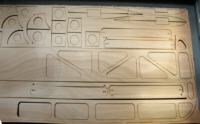
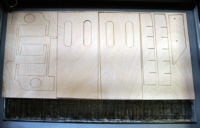
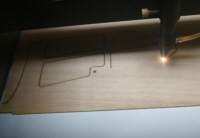
Now the laser is cutting the material.
The laser is cutting nominal 1.6mm 3 ply Plywood (actual 2.0mm thick)
The cut width is a nominal 0.22mm.
|
|
|
|
|
|
|
|
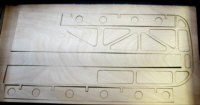
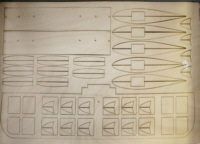
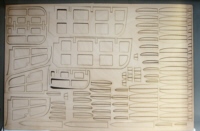
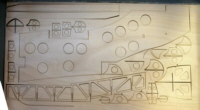
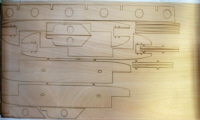
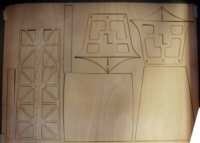
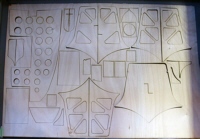
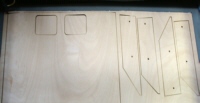
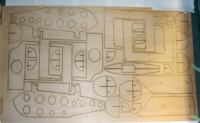
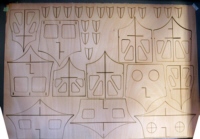
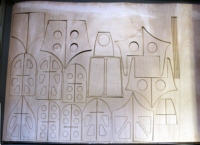
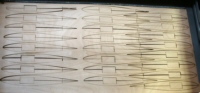
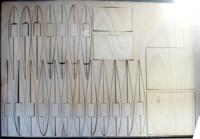
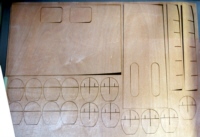
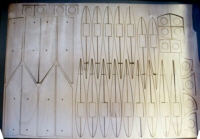
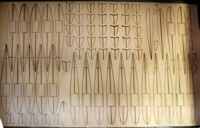
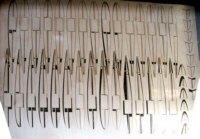
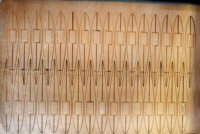
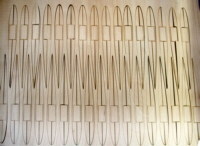
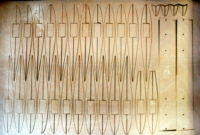
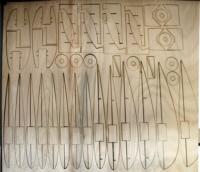
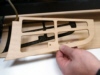
The
finished part.
These
parts did not have any 'bridges' left between the parts and the
surrounding scrap. This meant that there was a jigsaw puzzle for
Alastair to do before he could start assembly. Also the plywood has
quite a bit of inbuilt tension in it. When a part is totally cut out it
can spring up and catch the laser head. This can result in a reject
job and potential damage to the laser.
|
|
|
|
|
|